Skip to content
Independent buying guidesWe may earn a commission from Amazon.de linksHow we work
Guides/The dispatch sheet · 01

Guide 01 · Shopify & Etsy

Good shipping starts
with one good label.

The practical 4×6 print guide for Shopify and Etsy sellers. Set up, download, test, then ship.

Before pressing print

Three things
to align.

Do this once for your exact printer and label stock. Manufacturer instructions take priority for model-specific settings.

01 / Printer

Load it correctly.

Confirm your model supports the label dimensions. Install the driver or mobile app, load the printable side toward the print head and calibrate if needed. Leave space for fanfold stock to feed freely, or check that the roll and holder fit.
02 / File

Keep it true 4×6.

Use the shipping service’s original label file. A 4×6 image on an A4 page is not a 4×6 document. Avoid screenshots: they can reduce barcode clarity.

03 / Settings

Match the sizes.

Make the document size, printer paper setting and physical label stock agree. Check orientation in print preview. Bluetooth and Wi-Fi workflows vary by model; follow the instructions for your device.

If you sell on Etsy

Download before you print.

Use Etsy’s download and print instructions. Select a matching 4×6 format and check your download and print preferences so the file matches your stock.

The final pass

Print one.
Read it closely.

Look for a complete, sharp barcode and clean text without streaks. Don’t crop or stretch the label. Apply it flat, keeping the barcode away from folds and seams.

If something is cut off, check scaling, media settings and calibration before printing more. Follow your printer’s troubleshooting steps and the carrier’s requirements: a visual check alone does not guarantee scannability.

Explore compatible labels
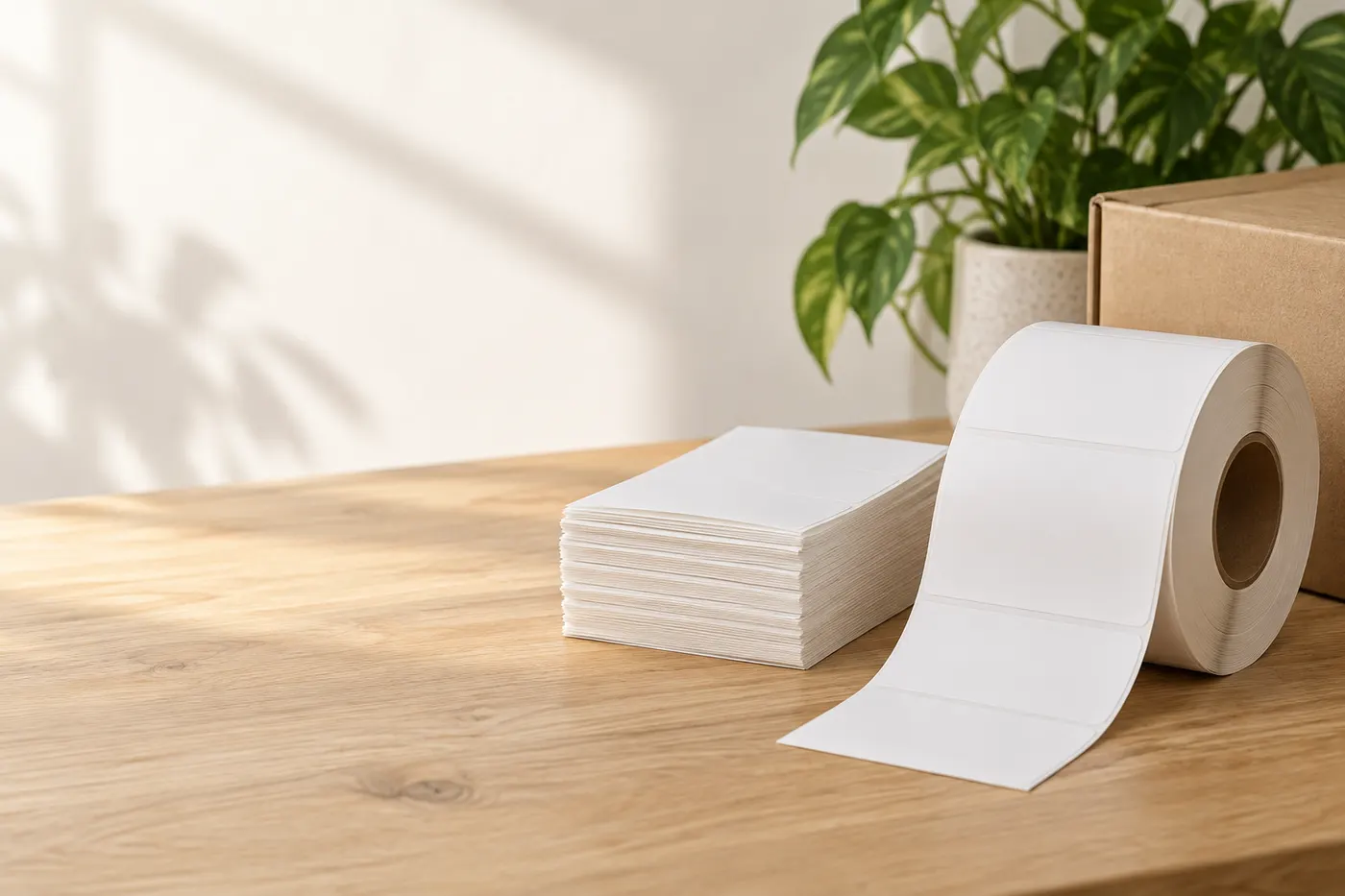
Fanfold shipping labels and a roll on a packing desk

Need a printer for the next batch?

Compare connections, label handling and running costs before choosing.

General setup guidance based on the official platform instructions linked above. Model-specific setup varies. We do not claim hands-on testing.